

Protecting a hosted form with a password
Password protection lets you keep a hosted form private while still sharing the form link with the people who need access. Visitors must enter the password before they can view or submit the form.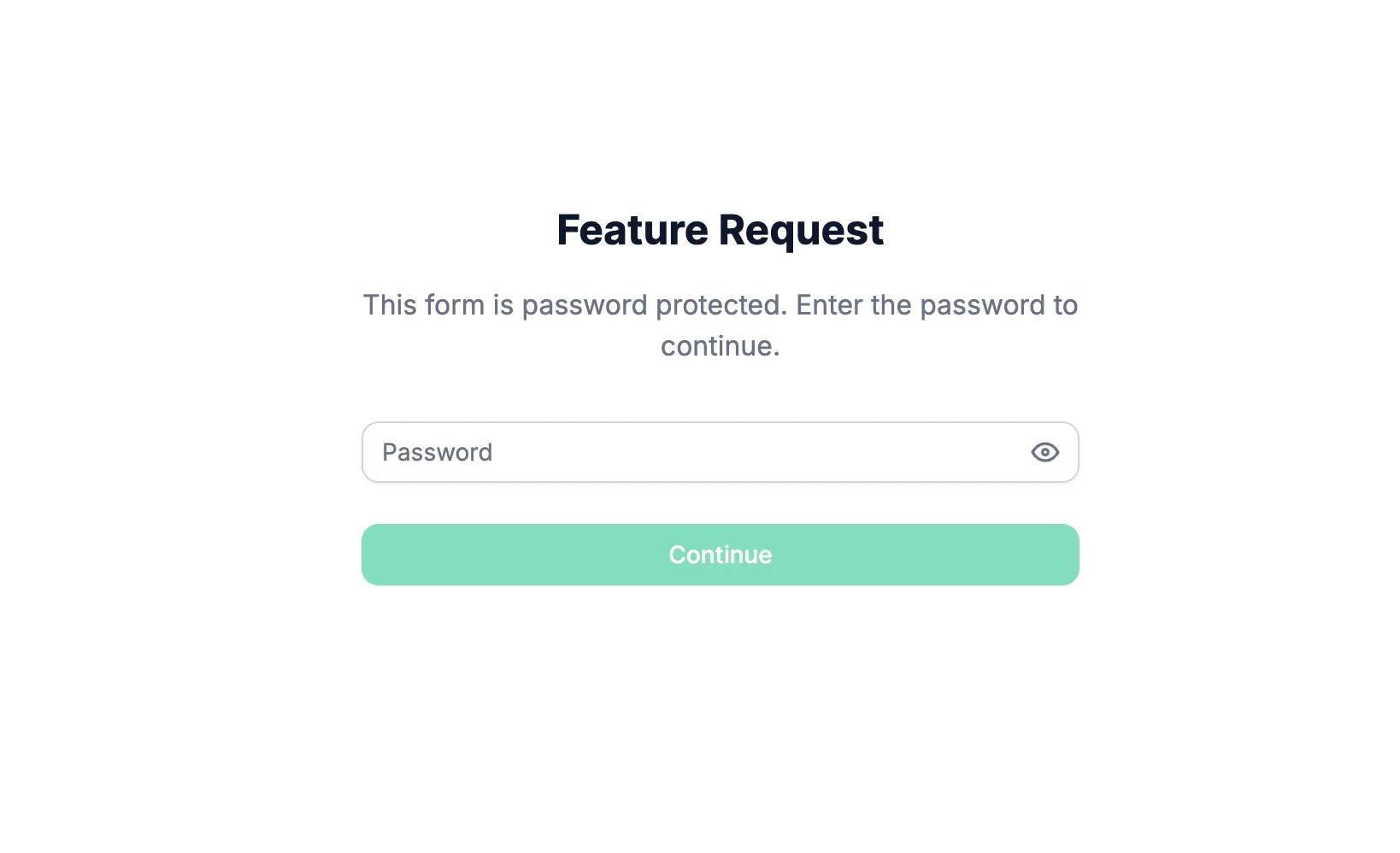
Changing the password
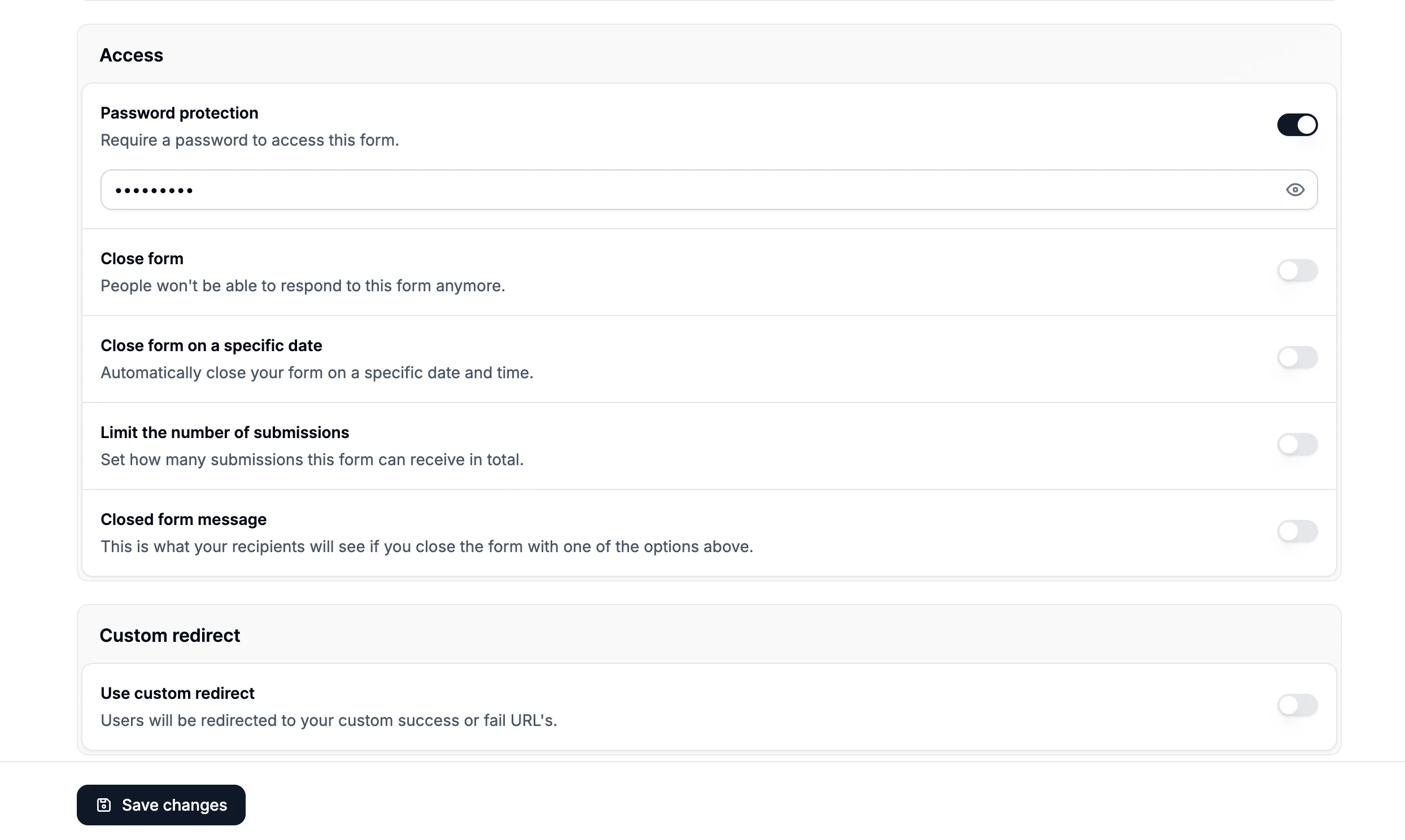
To change an existing password, go back to Access, click Change password, enter the new password, and save your changes. For security reasons, Formbox does not show saved passwords after they are added or updated. If you forget the password, set a new one and share the new password with your recipients.Changing the password clears existing saved access. Anyone who previously unlocked the form will
need to enter the new password.