> ## Documentation Index
> Fetch the complete documentation index at: https://docs.formbox.app/llms.txt
> Use this file to discover all available pages before exploring further.
# Exporting submissions
> In case you need to do something with your form submissions data, Formbox allows you to export your submissions in CSV or JSON file formats.
## How to export your submissions
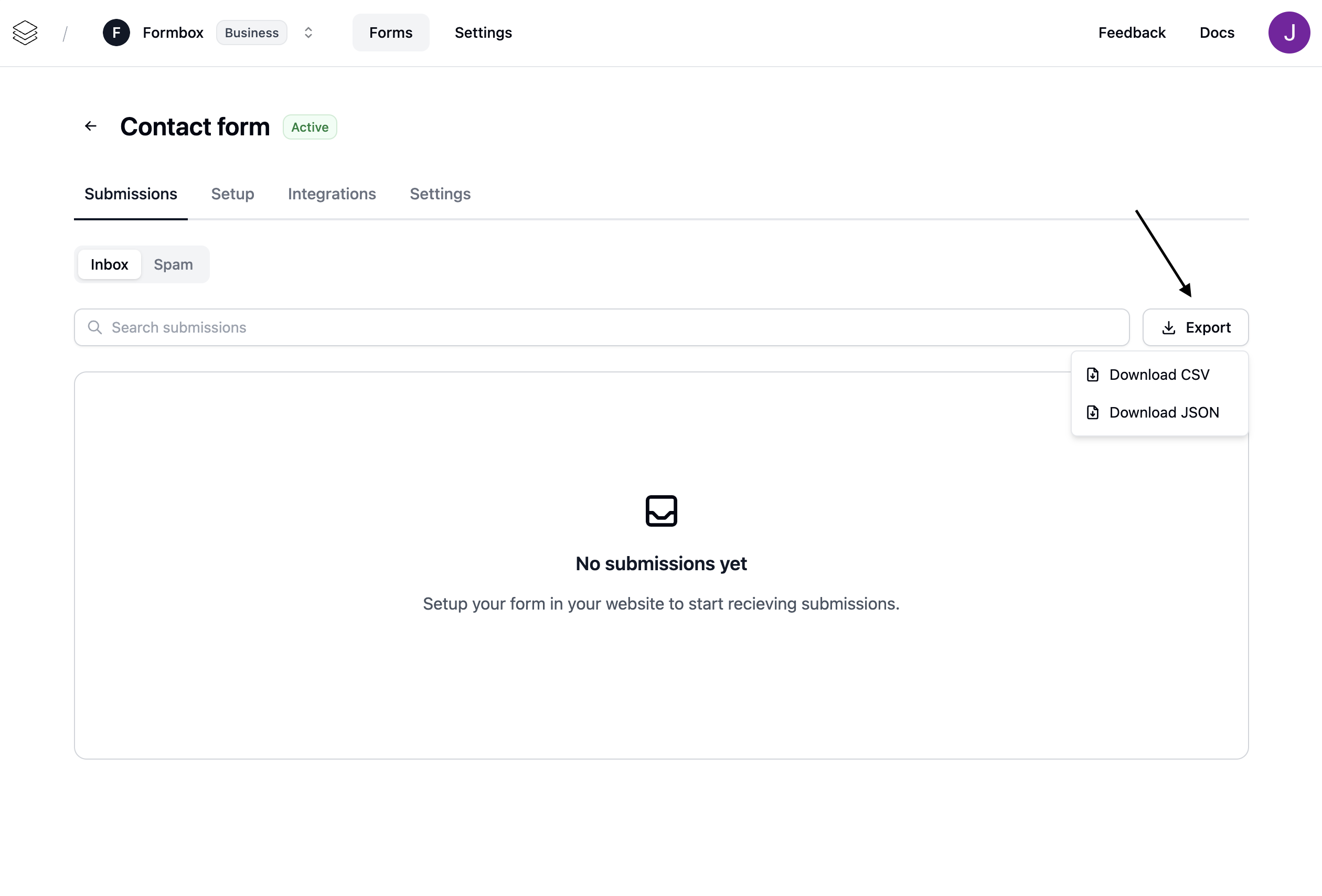
1. Go to the form you want to export submissions from.
2. Click on the **Submissions** tab.
3. Click on the **Export** button.
4. Choose the format you want to export your submissions to.
This can be done for both spam and non-spam submissions.